Create an Authorized Voice Clone,
Then Review Every Output.
Upload a recording you own or have permission to use, create a reusable voice, and preview generated narration or dubbed speech before export.







Create a Voice Clone in Three Steps
Provide an authorized sample, create the voice, and test it with a short script before using it in a project.
Upload Voice Sample
Record or upload a 10-second audio clip of the target voice.

SRTGen AI Model
Train and generate high-fidelity voice replica in one click.
Preview the Output
Generate a test, listen for pronunciation and pacing, and use the clone only in supported languages and workflows.
Fast Clone
Replicate essential vocal characteristics in real-time. Ideal for fast voiceovers, rapid prototyping, and dynamic content creators.
Audio Input
10 Sec
Wait Time
20 Sec
Similarity
Varies
- No complex AI model training required
- Immediate speech-to-speech dubbing output
- Language availability depends on the selected speech model
- Designed for general conversational video narration
Pro Clone
Train a dedicated, deep neural voice model. Specifically optimized for professional publishers, narrators, and global enterprise brands.
Audio Input
30+ Min
Training Time
~3 Hours
Similarity
Sample dependent
- Captures unique emotional dynamic range and tone
- Designed to capture more vocal detail from a longer sample
- High fidelity suitable for audiobooks & long narrations
- Your dedicated neural network model remains private
Did You Know?
Localization Savings
Traditional dubbing agencies charge $50–$150+ per minute, whereas AI voice cloning dubbing starts at under $0.50 per minute.
Non-English Preferences
76% of online consumers prefer to buy products in their native language, and 40% will never buy from websites in other languages.
Real-Time Processing
AI transcription processes audio at 3-5x real-time speed, converting hours of meetings or interviews into text in minutes.
Speak Like a Native
Generate speech in supported languages and compare available regional voices or accents. Always review pronunciation with a fluent speaker before publishing.

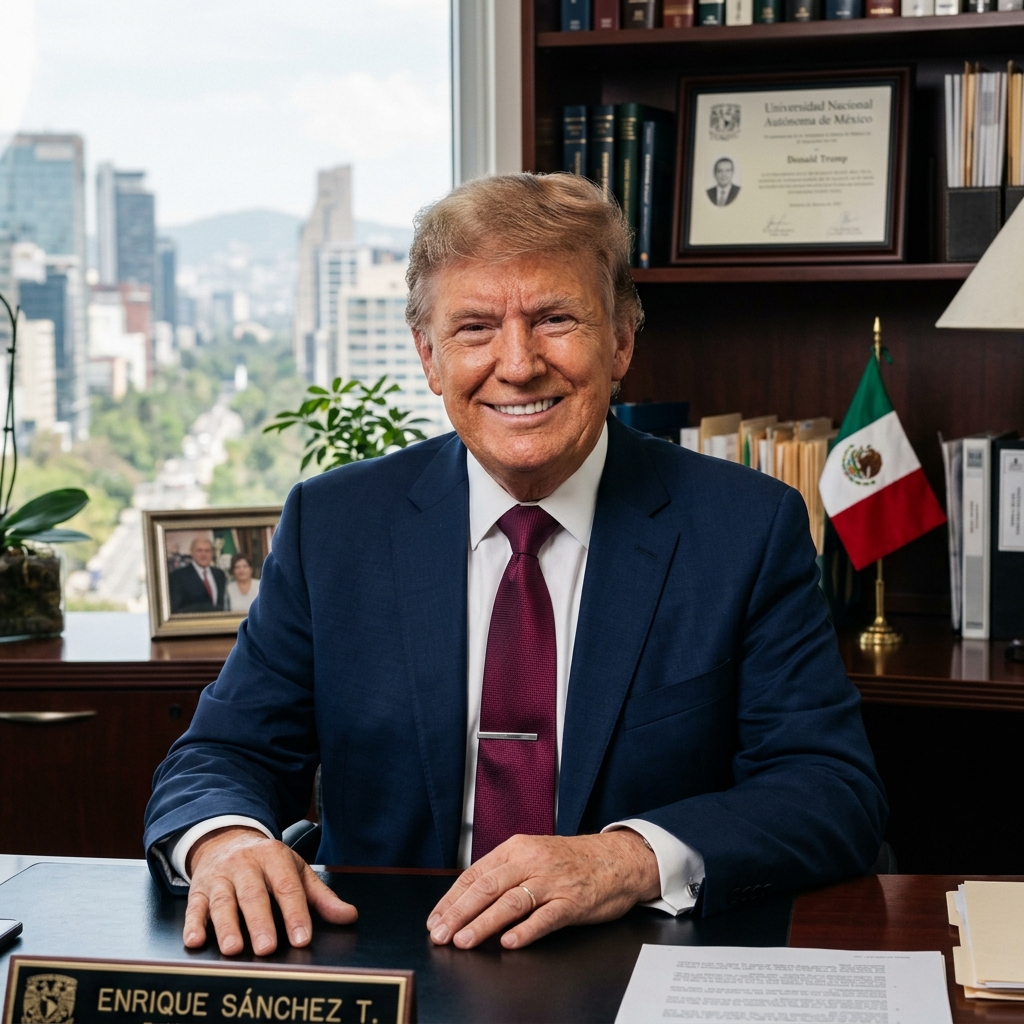
US Accent
Natural English voice with standard US pronunciation and pacing.
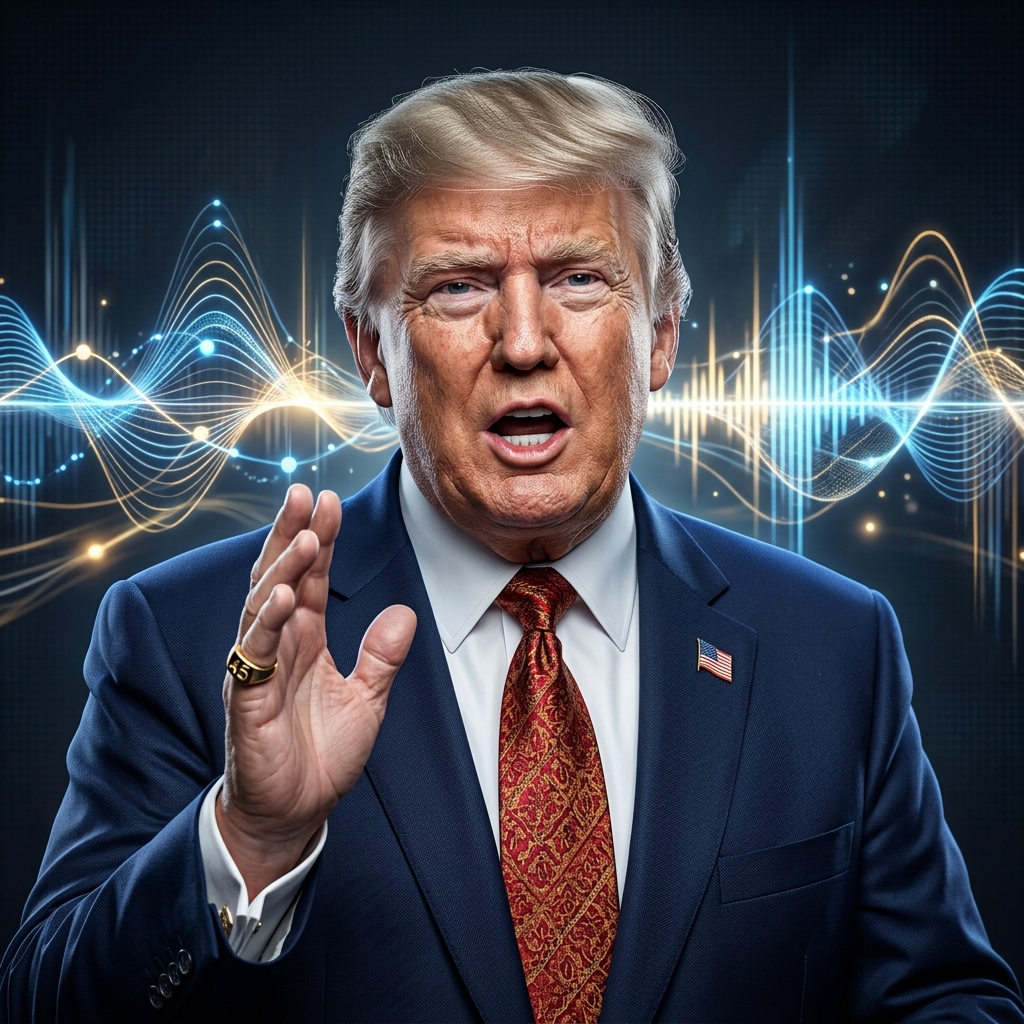
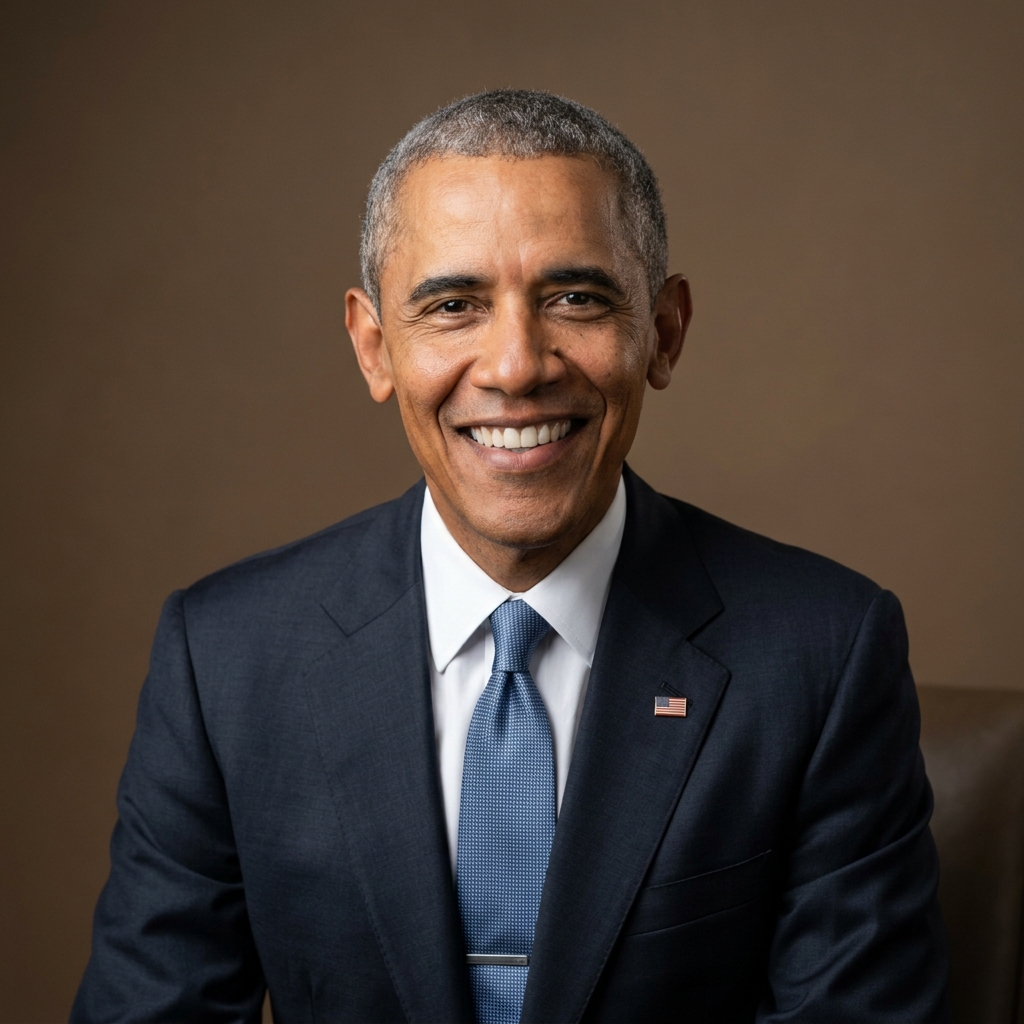
Original US Accent
Translated Spanish speech retaining the speaker's original American accent.

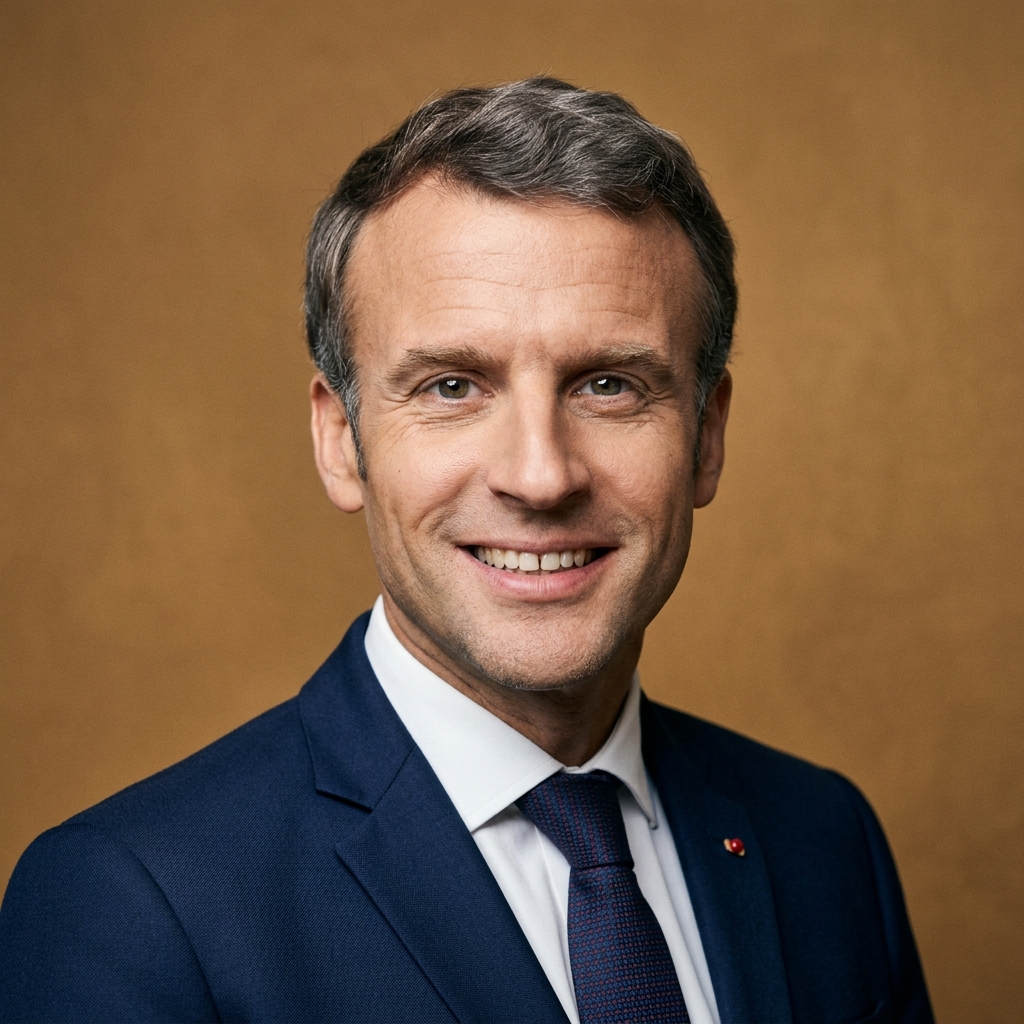
Spain Accent
Localized Spanish pronunciation matching native speakers from Spain.
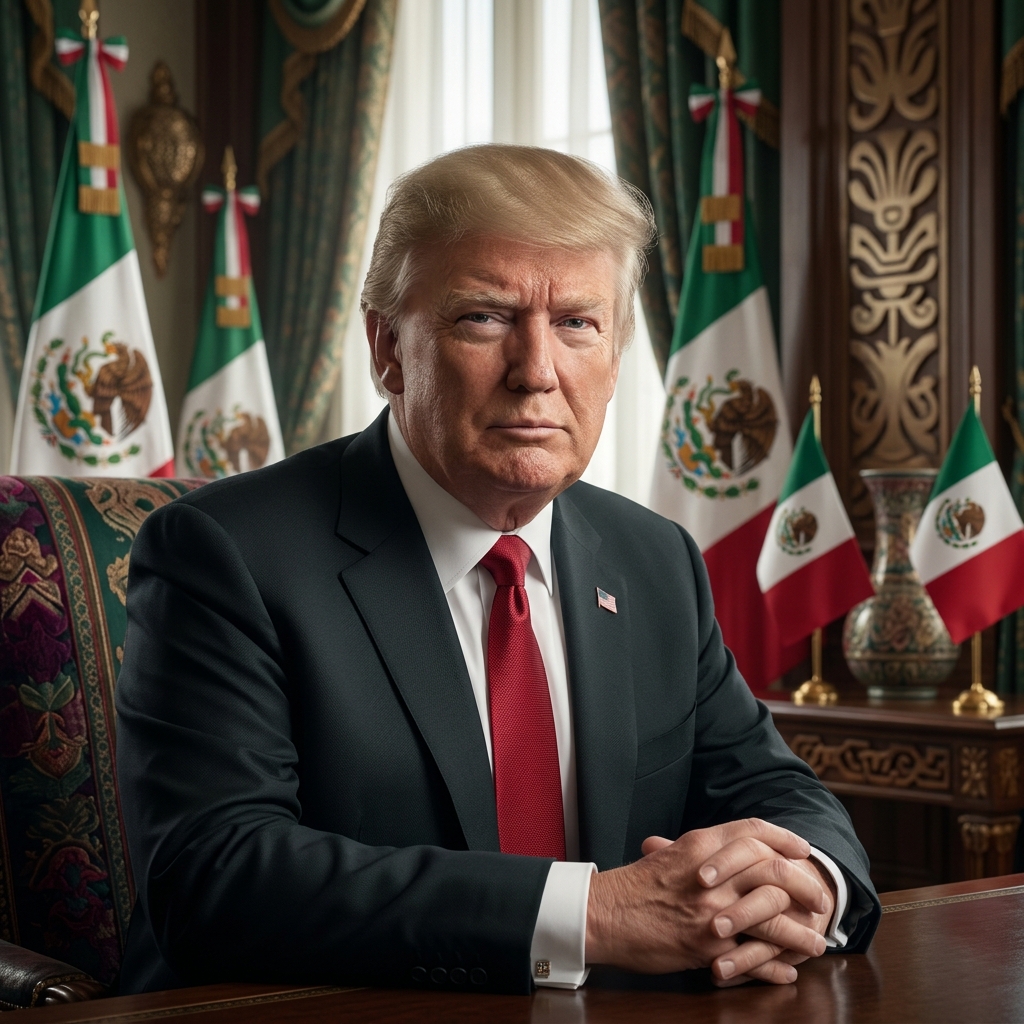
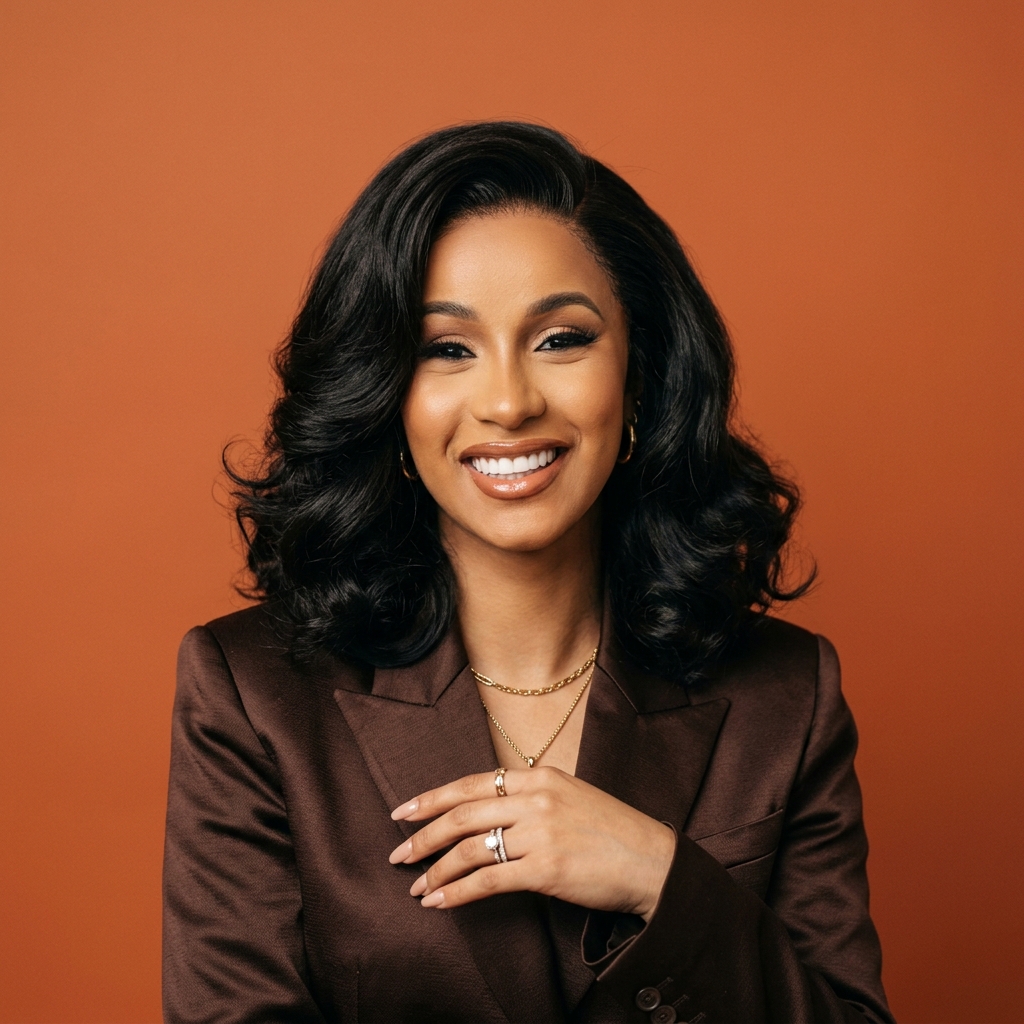
Mexican Accent
Localized LATAM Spanish pronunciation matching Mexican native speakers.
Privacy & Security
Voice data is sensitive. Review the current Privacy Policy, Compliance page and Terms before creating a clone or uploading someone else's recording.
Strict Data Ownership
You remain responsible for having the rights and consent needed for uploaded recordings and generated uses. See the Terms for ownership details.
End-to-End Encryption
The Privacy Policy and Compliance page describe the current technical controls and service providers used to process data.
Ethical Verification & Safety
Clone only your own voice or a voice for which you have explicit permission. Deceptive impersonation and non-consensual cloning are prohibited.
Instant On-Demand Deletion
Use the available account controls to delete voice assets. The Privacy Policy explains retention, deletion requests and applicable exceptions.
Built for Teams Publishing Across Markets


Results that
Speak for Themselves

Fast Clone is truly impressive. 10 seconds of audio and you get a usable voice clone in under a minute.

Works great.

I trained a Pro Clone with about 40 minutes of my podcast audio. The result is studio quality — I now use it for all my automated narrations.

Good tool.
The cloned voice sounds like me, but when dubbing into Spanish in original accent mode, you notice a slight foreign accent. Voice Localization mode fixes this: it speaks natively while maintaining my vocal identity.
Fast Clone is great for quick voiceovers. When I need studio quality, I switch to Pro Clone. Both work really well.
I noticed the original voice clone has a slight accent when speaking other languages, which is expected. With Voice Localization turned on, it sounds native. A great feature to have.

Really solid.
Fast Clone is truly impressive. 10 seconds of audio and you get a usable voice clone in under a minute.
Works great.
I trained a Pro Clone with about 40 minutes of my podcast audio. The result is studio quality — I now use it for all my automated narrations.
Good tool.
The cloned voice sounds like me, but when dubbing into Spanish in original accent mode, you notice a slight foreign accent. Voice Localization mode fixes this: it speaks natively while maintaining my vocal identity.
Fast Clone is great for quick voiceovers. When I need studio quality, I switch to Pro Clone. Both work really well.
I noticed the original voice clone has a slight accent when speaking other languages, which is expected. With Voice Localization turned on, it sounds native. A great feature to have.
Really solid.


Cloning FAQs
Got questions about AI voices and cloning quality? We have answers.
Create Your First Voice Replica
Create a voice from an authorized recording, test it with a short script, and review every generated result before use.