Online Screen Recorder
Record, Edit & Share
Record tutorials, presentations, demos, meetings, and more with our easy-to-use screen recorder. Transcribe, translate, dub, edit, and share your recordings seamlessly.

Built For Every Workflow

Meetings & Asyncs
Record design updates, project syncs, and team meetings to keep everyone aligned across different time zones.

Tutorials & Training
Create step-by-step video guides, onboard new team members, and document standard procedures easily.
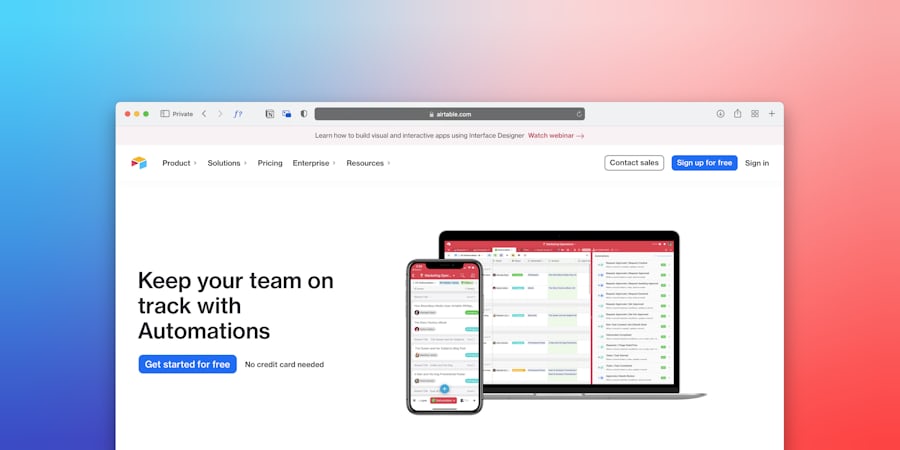
Product Demos & Sales
Pitch products to potential clients, record feature updates, and close sales deals with personal walkthrough videos.
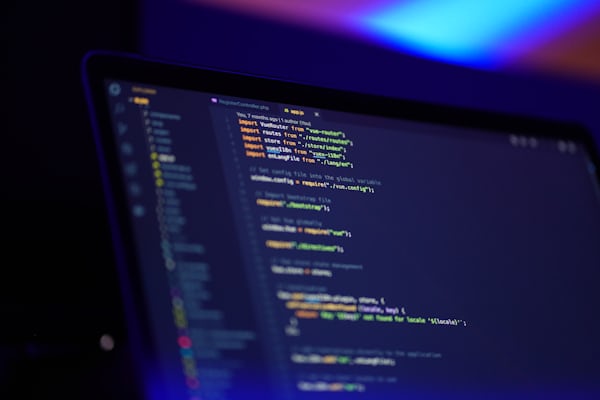
Developer Bug Reporting
Capture reproduction steps, show console errors, and share recording links with QA engineers to fix issues faster.
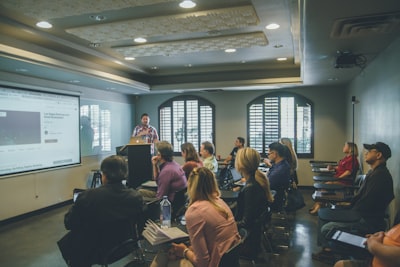
Lectures & Presentations
Record slides with camera overlays, share research findings, and broadcast professional presentations to your class or audience.

Customer Support
Provide personalized visual answers to support tickets and resolve client issues fast with screen recordings.

Design Feedback
Annotate layouts, critique UX designs, and walk through prototypes instead of writing long review emails.

Marketing & Socials
Produce engaging campaigns, record browser teasers, and publish visual highlights directly to social platforms.
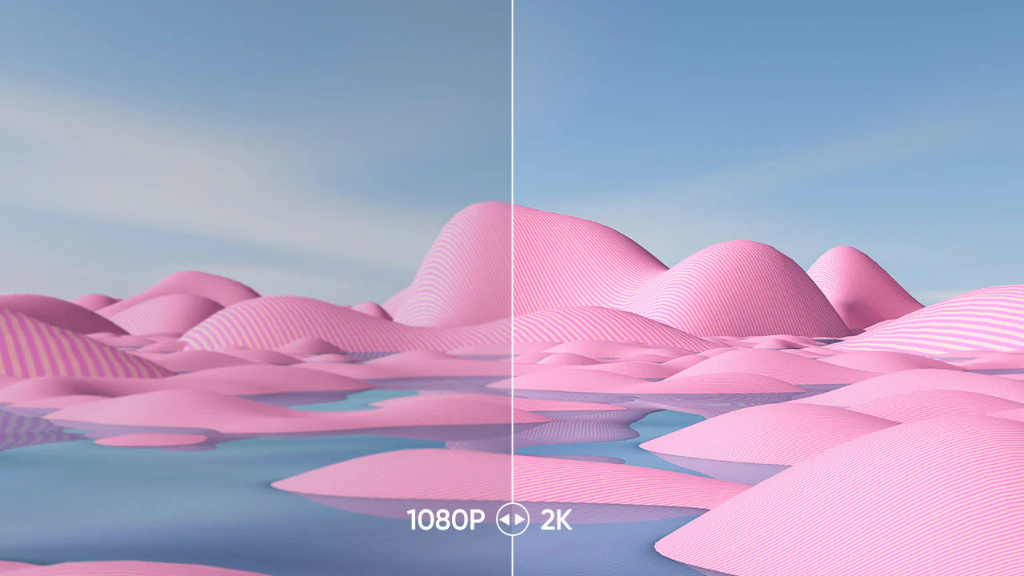
Record up to 2K resolution
Capture your screen in crystal-clear 2K resolution, with built-in background removal and replacement for your webcam.

Fix mistakes while you record
No need to start over. Trim dead silence, cut filler words, and fix misspeaks in real time. Edit your recording without ever stopping — your audience will never know.
Transcribe, translate & dub
We offer a full suite of content localization features. Automatically transcribe, translate, and dub your recordings to reach a global audience instantly.
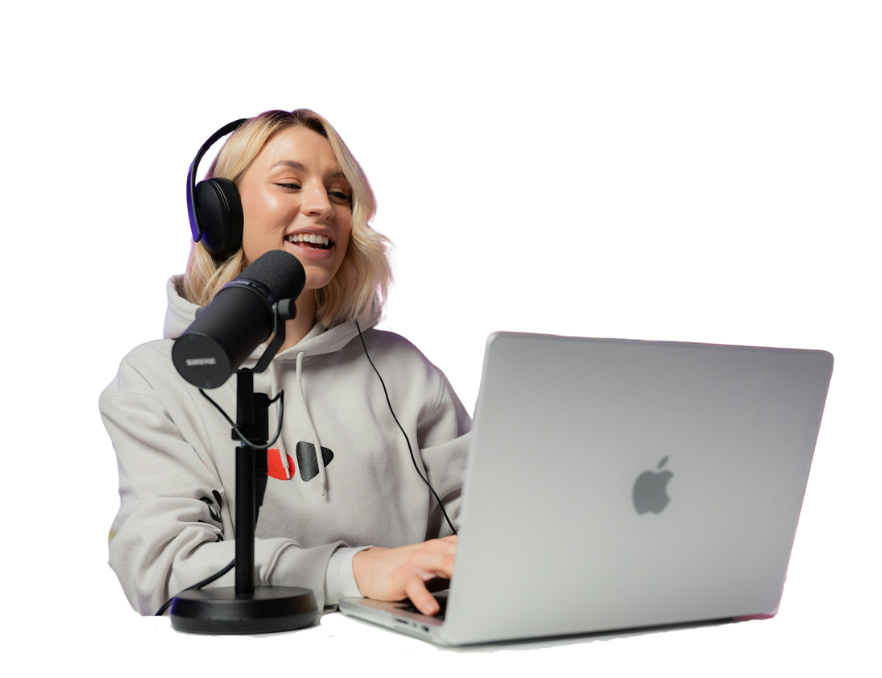
Team Collab & instant sharing
Share your recordings securely with a single link. Review, comment, and collaborate with your team in real time to iterate on your videos faster.
Shared Workspace
Active SessionMore powerful than Loom.
Half the price.
Loom charges $15/mo for basic recording. SRTGen gives you screen recording plus AI transcription, translation, dubbing, and a full video editor — for just $8/mo.
 SRTGen Starter
then $8/mo after 2 months
 Loom Starter
Loom AI features require add-on
then $8/mo after 2 months · Cancel anytime
Results that
Speak for Themselves

I record product demos for clients directly from my browser. The 2K quality looks professional and the webcam overlay is clean.

Works great.
We use it to record async team updates instead of scheduling meetings. Install the extension, hit record, done. No extra software needed.
Great tool.
Live captions during recording are super helpful. I can see my words appearing in real-time and fix typos without re-recording.

Webcam PiP is crisp. Works well for my product demo walkthroughs.

Being able to trim filler words and silent pauses during recording is a game changer. I used to spend an hour editing what now takes minutes.

I was skeptical about a browser-based recorder, but the quality is really impressive. 2K export, no installations beyond the extension.
I record product demos for clients directly from my browser. The 2K quality looks professional and the webcam overlay is clean.
Works great.
We use it to record async team updates instead of scheduling meetings. Install the extension, hit record, done. No extra software needed.
Great tool.
Live captions during recording are super helpful. I can see my words appearing in real-time and fix typos without re-recording.
Webcam PiP is crisp. Works well for my product demo walkthroughs.
Being able to trim filler words and silent pauses during recording is a game changer. I used to spend an hour editing what now takes minutes.
I was skeptical about a browser-based recorder, but the quality is really impressive. 2K export, no installations beyond the extension.


Recording FAQs
Everything you need to know about browser recording and permissions.

Start Capturing Your Ideas Today
Use SRTGen to quickly capture screen walk-throughs, record webcam presentations, and customize videos with AI editors.